In the UK, strict digital security regulations mean that platforms are heavily monitored. Algorithms are designed to freeze accounts at the slightest hint of suspicious activity to protect your personal data and funds. This comprehensive guide will walk you through exactly why your account has been locked, the immediate steps you must take, platform-specific recovery tactics, and how to prevent this from ever happening again.
🛑 Why Your Account Was Locked in the First Place
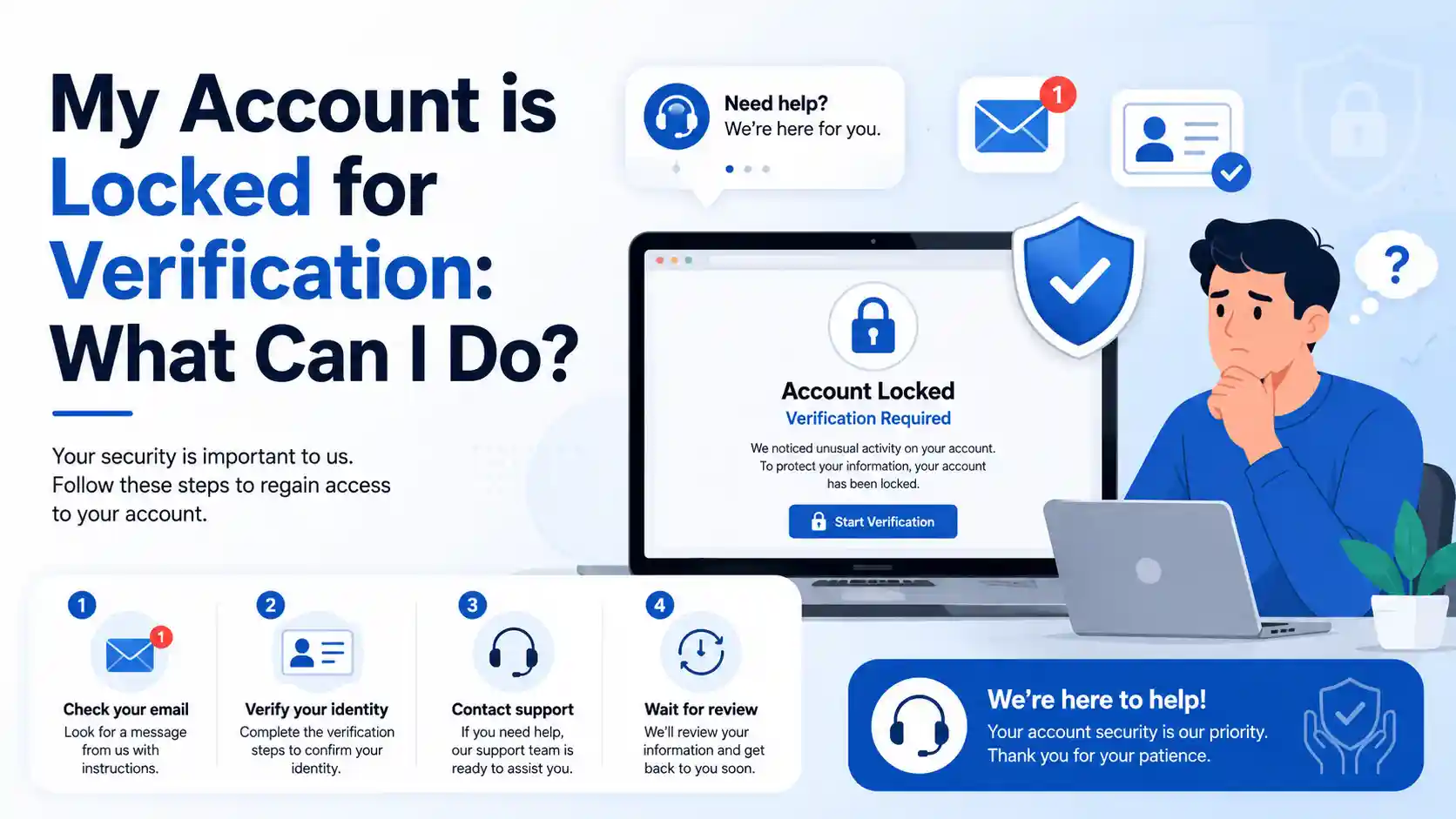
Before you can unlock your account, you need to understand the digital tripwires you may have accidentally crossed. Platforms use automated risk-management systems to flag unusual behaviour.

BetPortal
- Lucky Friday: 50% Friday Reload Bonus
- Wild Wednesday: 250 Free Spins
- Riskfree Weekend: 10% Cashback




Here are the most common triggers for an account verification lock:
| 🚩 The Trigger | 🔍 How the System Sees It | ⏱️ Standard Cooldown |
|---|---|---|
| Too Many Failed Logins | Brute-force hacking attempt by a malicious actor. | 10 to 30 minutes . |
| New IP Address or VPN | Account takeover from an unrecognised global location. | Until ID is manually verified. |
| Excessive OTP Requests | SMS interception or automated bot activity. | 10 minutes to 24 hours . |
| Failed ID Verification | Fraudulent document upload or identity theft attempt. | Up to 6 hours before retry . |
| Routine KYC/AML Checks | Regulatory compliance (common in UK gambling & finance). | 24 to 72 hours for review. |
When security protocols detect these anomalies, they place a temporary block on the account to prevent unauthorised use.
⚡ Immediate Actions: What to Do Right Now
When faced with a locked screen, human instinct is to panic and repeatedly try to log in. Do not do this. Rapidly retrying your password or requesting multiple SMS codes will only extend your lockout timer.
Follow these immediate steps to secure your access:
1. Stop and Step Away ⏳
The single most important rule is to stop rapid retries, as server-side lockouts will not allow an immediate manual override. If you have entered your password or security code incorrectly too many times, the system will impose a hard cooldown. You should generally wait at least 10 minutes before attempting any further action, though some systems may require up to 24 hours of zero activity.
2. Check Your Email and Spam Folders 📧
If your account is locked, the platform will almost always send an automated email detailing the exact reason and providing a verification link. Search your inbox, spam, and junk folders for messages from the platform’s official domain.
3. Return to a “Trusted” Environment 💻
Fraud systems look at your device fingerprint. If you are locked out, you should immediately revert to a “stable setup.” This means logging in from your usual trusted device and your home Wi-Fi network.
- Turn off your VPN: Virtual Private Networks mask your IP and heavily trigger anti-fraud bots.
- Check your clock: Ensure your device’s date, time, and timezone are set correctly, as mismatches can cause verification to fail.
- Clear your cache: Try logging in once using a clean browser profile or incognito mode to rule out interference from cookies or browser extensions.
4. Run a Network Test 🛜
Sometimes, your home router’s firewall or custom DNS settings can block the external verification resources used by the platform. Do one controlled test by comparing your home Wi-Fi against your mobile phone’s 4G/5G hotspot. Record the exact lock message and timestamps so you have data ready if you need to contact support.
📱 Platform-Specific Unlocking Strategies
Different industries use different verification frameworks. Here is how to tackle lockouts across the most common digital sectors.
🎰 iGaming, Sports Betting, and Casinos (UKGC Regulated)
For those managing or using UK sports betting and online casino accounts, lockouts are frequently tied to KYC (Know Your Customer) and AML (Anti-Money Laundering) laws. If you hit a specific deposit threshold or request a large withdrawal, your account will be frozen until you provide:
- Proof of Identity (POI): A valid UK driving licence or passport.
- Proof of Address (POA): A recent utility bill or bank statement (dated within the last 3 months).
- Source of Funds (SOF): Payslips or bank statements proving your gambling funds are legitimate.
- Pro Tip: Ensure all four corners of your documents are visible in the photos. Cropped or glaring images are instantly rejected by automated AI scanners.
🌐 Social Media (Facebook & Instagram)
Facebook account locks often get stuck in a “verification pending” loop. If Facebook asks you to upload your ID, do it only once and then wait. Avoid starting multiple recovery attempts across different browsers or phones, as this resets your place in the queue and flags you as a bot. Monitor your emails for the next steps and do not alter your account’s contact details while the lock is active.
🍏 Apple & Tech Giants
If your Apple ID is locked for security reasons, the standard recovery route requires identity verification. You should tap the “request access” prompt on your device. Alternatively, navigate to iforgot.apple.com on a secure browser, select the option to reset your password, and enter the verification codes sent to your trusted phone number and recovery Gmail. If you do not have recovery options set up, you will need to contact Apple Support directly with proof of identity.
🏦 Government and Fintech Apps
For high-security government portals or finance apps, the rules are incredibly strict. If your identity verification fails on a platform, you are usually locked out for a mandatory period—often six hours—before you can try verifying your ID again. When the cooldown ends, log back in normally (do not create a new account) and ensure your name, address, and social security or national insurance details match your submitted ID perfectly.
📸 How to Pass Photo and Selfie Verification Flawlessly
Many account locks are resolved via a third-party identity verification tool (like Onfido or Jumio) that requires a photo of your ID and a live selfie. Most users fail this step due to poor photo quality.
Follow this checklist to get verified on the first try:
- Lighting is Everything: Turn off your camera flash to avoid holographic glare on your driving licence or passport. Use natural daylight near a window.
- Keep it Flat: Place the ID on a dark, flat, non-reflective surface to create high contrast.
- Readability Check: Before submitting, zoom in on the photo. If your address, name, or the document expiry date cannot be easily read, the automated system will reject it.
- The Live Selfie: Remove glasses, hats, and headphones. Ensure the background is plain and well-lit.
🛡️ Future-Proofing: How to Prevent Account Lockouts
Once you successfully unlock your account, you must take immediate steps to ensure it doesn’t happen again. Security triggers are sensitive, but you can build “account trust” by updating your settings.
- Set Up App-Based 2FA: Move away from SMS verification, which is prone to delivery delays and SIM-swapping. Use an authenticator app like Google Authenticator or Authy.
- Update Your Recovery Info: Ensure you have at least two backup email addresses and a secondary phone number linked to the account.
- Consistent IP Usage: If you travel frequently or use a VPN for work, use a dedicated IP address rather than a shared VPN server that thousands of other people are using.
- Keep Documents Current: If your UK driving licence or passport is expiring soon, renew it. Using expired ID is the number one reason automated KYC systems permanently lock accounts.
⚖️ When to Escalate: Seeking External Help
If you have waited the mandatory cooldown periods, submitted perfect documentation, and your account has been locked for over 14 days with no response from customer support, it is time to escalate.
- For Financial Accounts: Contact the Financial Ombudsman Service (FOS) in the UK.
- For Betting and Casinos: Raise a formal dispute with the platform, and if unresolved, contact an Alternative Dispute Resolution (ADR) service like IBAS (Independent Betting Adjudication Service) or the UK Gambling Commission.
- For Social Media: You may need to seek out legal privacy requests (such as a GDPR Subject Access Request) to force the company’s data compliance team to manually review your frozen account.
FAQ
❓ Why is my account locked for verification?
Your account may be locked because the platform detected unusual activity, too many failed login attempts, a new device or IP address, or a failed identity check. On gambling, banking, and other regulated platforms, accounts can also be locked for compliance reviews such as identity, address, or source-of-funds verification.
❓ How long does a verification lock usually last?
A temporary lock can last from 10 minutes to several hours, depending on the platform and the reason for the restriction. If the issue is linked to document review or manual compliance checks, it may take 24 to 72 hours or longer.
❓ Can I unlock my account immediately?
In many cases, no, because some systems enforce a fixed cooldown period before you can try again. Repeated login attempts or multiple code requests can make the delay longer instead of shorter.
❓ What should I do first after seeing a verification lock message?
Stop trying to log in repeatedly and check your email, including spam or junk folders, for instructions from the platform. Then return to your usual device and network, because familiar login conditions can reduce fraud triggers.
❓ Will using a VPN cause my account to be locked?
It can, because a VPN changes your IP address and location, which may look suspicious to automated security systems. If your account is locked, it is safer to switch off the VPN and try again later from your normal home or mobile network.
❓ Why does my verification code not work?
Verification codes may fail because they expired, were requested too many times, or were sent to an old phone number or email address. Browser issues, network blocks, and device time mismatches can also interfere with the verification process.
❓ What documents are usually needed to unlock a verified account?
Most platforms ask for proof of identity such as a passport or driving licence, and some also require proof of address like a utility bill or bank statement. Regulated sectors may request additional evidence if they need to confirm account ownership or financial legitimacy.
❓ Why was my document rejected?
Documents are often rejected because the image is blurry, cropped, poorly lit, reflective, expired, or does not match the account details. Even small errors in name, address, or date of birth can trigger another review.
❓ Should I contact customer support or wait?
If the platform gives a specific waiting period, follow it first and avoid sending multiple recovery requests during that time. If the lock remains after the stated timeframe, contact support with your account email, the exact error message, and the time the problem started.
❓ Is my money safe if my betting or banking account is locked for verification?
A verification lock usually means the platform is restricting access, not automatically removing your funds. However, withdrawals and some account functions may stay paused until the verification review is completed.
❓ Can I create a new account instead?
Usually, no, because opening a second account while the first one is under review can create more compliance and security problems. Most platforms expect you to recover the original account rather than bypass the lock.
❓ How can I avoid this problem in the future?
Use the same trusted devices when possible, keep your recovery details updated, enable two-factor authentication, and avoid repeated failed logins. You should also make sure your identity documents are valid and that your account details exactly match your official records.